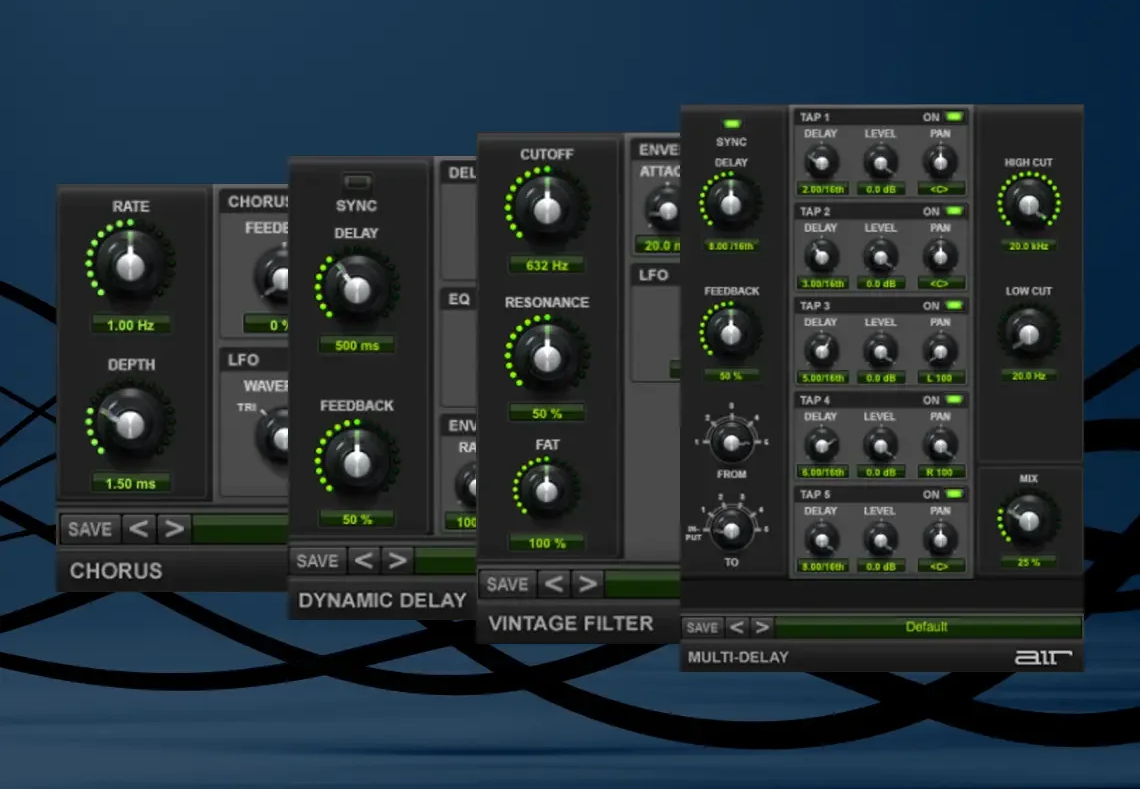
The AIR Creative FX Collection Plus offers a collection of FX plugins provided by default with the Pro Tools software distributed by AVID (version 8 and up). This collection includes the 20 Pro Tools FX plugins in a VST and AU format (for non-Pro Tools users), as well as 8 additional plugins in VST, AU, and AAX formats.
The 8 new Creative FX Collection Plus plugins installed via this collection are the following:
- AIR Compressor
- AIR Diffuser Delay
- AIR Maximizer
- AIR Parametric EQ
- AIR Pumper
- AIR Saturation Filter
- AIR Spectral
- AIR Tube Drive
As a Pro Tools user, if you have installed this bundle and only see the 8 AIR FX Collection Plus plugins listed above in Pro Tools, this indicates that the default AIR Creative FX Collection provided with Pro Tools has not been installed.
Accessing the AIR Plug-ins for Pro Tools
To access the AAX versions of these plug-ins for Pro Tools, you will need to download and install these titles via Avid Link.
Please use the steps below to locate and install the AIR plug-ins in Avid Link, follow the steps below:
- Open Avid Link
- Go to the Products tab
- Under Pro Tools - Open the Included Apps & Plugins menu
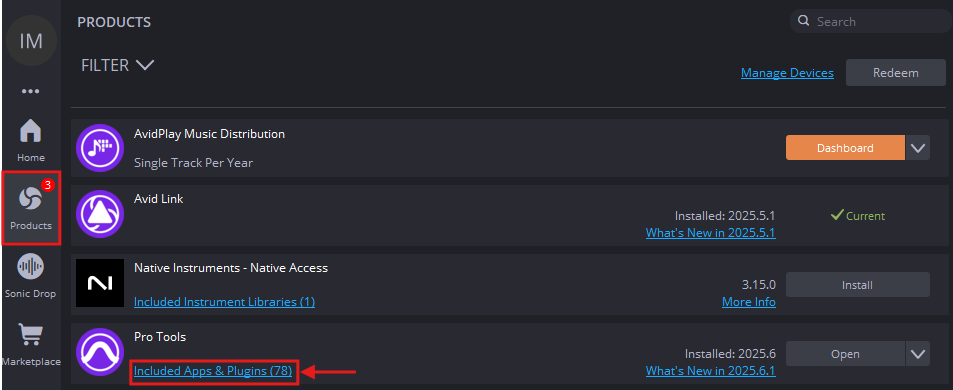
- Locate the First AIR Effects Bundle and install
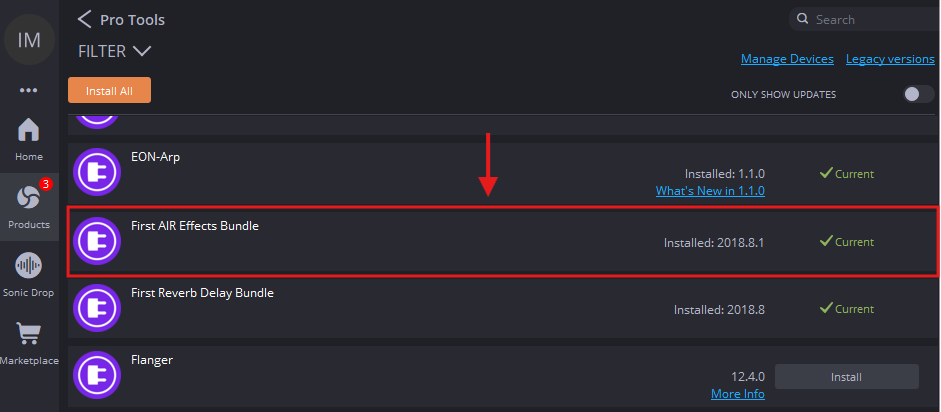
If the plugins are missing via Avid Link or the Avid Download Center, please contact Avid support directly.
Was this article helpful?
That’s Great!
Thank you for your feedback
Sorry! We couldn't be helpful
Thank you for your feedback
Feedback sent
We appreciate your effort and will try to fix the article