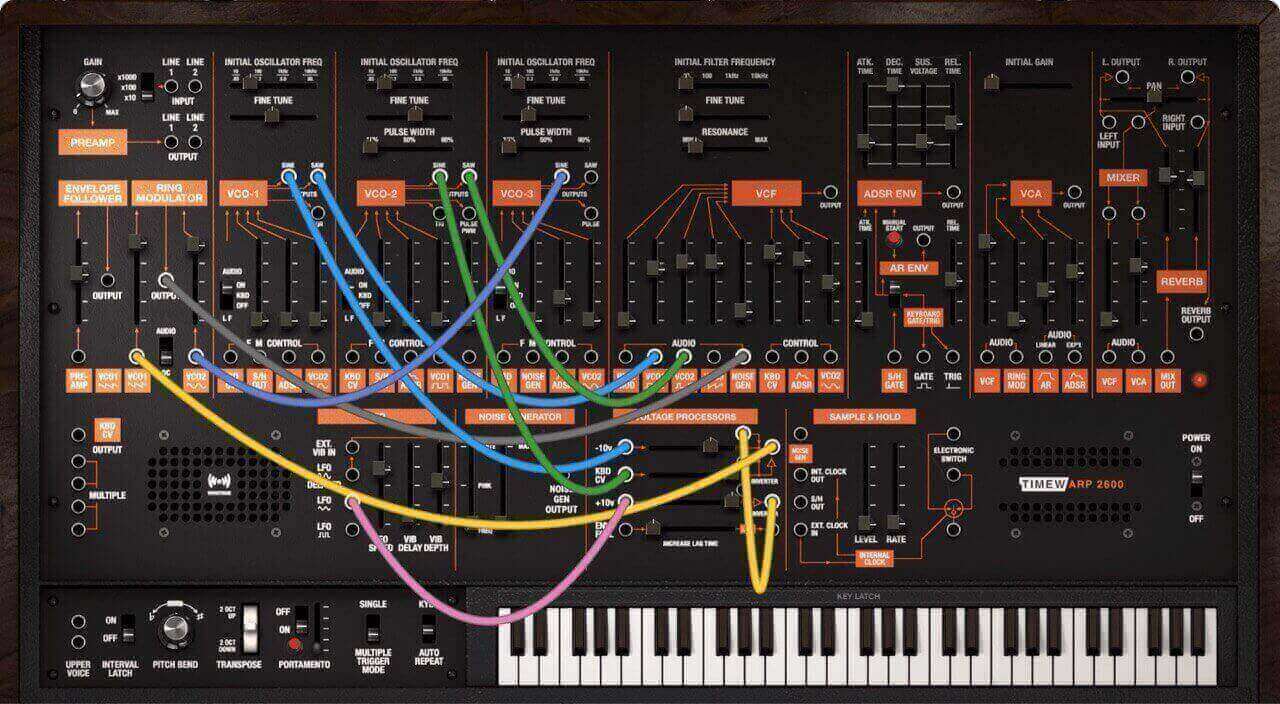
With the release of TimeWARP 2600 V2, the plugin no longer supports use as an audio insert effect.
While earlier versions may have allowed audio processing, the current version is designed strictly as a software instrument. TimeWARP 2600 V2 can be loaded on an instrument track in your DAW, where it delivers the classic ARP 2600 sound and full synthesis capabilities, but it cannot process external audio as an insert effect.
Most DAWs allow audio to be routed into instrument plugins using input routing or side‑chain features. However, this functionality depends on the DAW and is not supported or guaranteed in all cases.
If your DAW supports/includes this feature...
- Set up a virtual instrument track that is running the TimeWARP 2600 plug-in
- Set up a second audio track, or select a track already recorded in your DAW. (If this is a new track, select either mono or stereo in the track-creation window; this will determine, in turn, the channel options offered by the TimewARP 2600 for this track.)
- In the mix window display for this track, send the track’s output to the TimewARP 2600 track input.
- You can then use the Line Output jacks in the Preamp section to route this signal to other inputs on the panel.
- You can also use the Line Input jacks in this section to route audio from the plugin into itself.
- If you are processing an existing track, press play on the transport control to hear the audio being processed by the TimewARP 2600 in real-time.
- You need to select an appropriate TimewARP 2600 patch (such as those in the Voice Guitar Effects categories in the Factory group) to successfully process audio this way.
- If you are processing a live track, enable the track’s record mode, and then audio from your input will be fed through the TimewARP 2600. You need to select an appropriate TimewARP 2600 patch (such as those in the Voice Guitar Effects categories in the Factory group) to successfully process audio this way.
Was this article helpful?
That’s Great!
Thank you for your feedback
Sorry! We couldn't be helpful
Thank you for your feedback
Feedback sent
We appreciate your effort and will try to fix the article