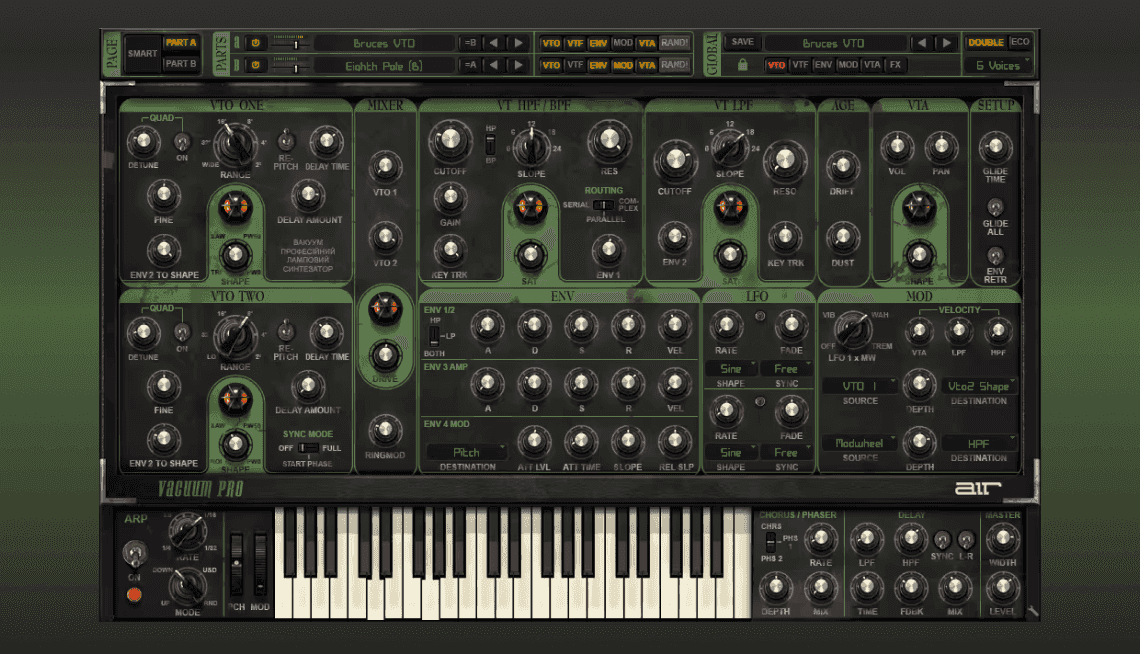
In this guide, we'll walk you through the exact steps for installing Vacuum Pro's Dystopian World expansion, enhancing your synthesizer with new and diverse sounds. Follow these instructions carefully to integrate your presets into Vacuum Pro.
TABLE OF CONTENTS
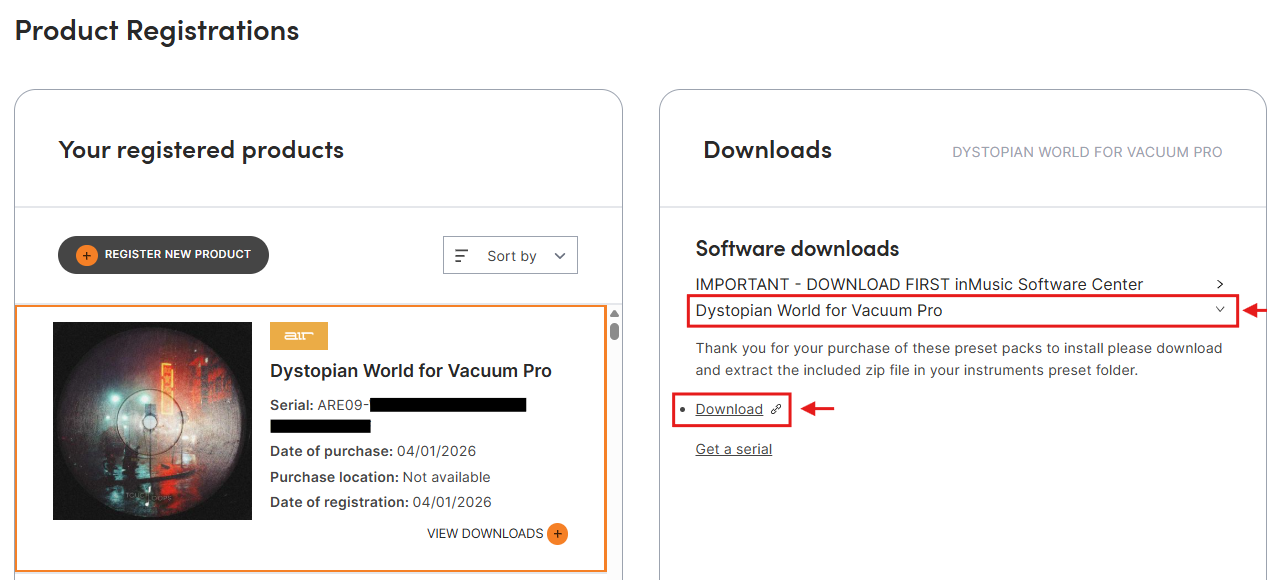
Where to access and download your expansion
You will find your Vacuum Pro expansions found in the My Registered Products section of your inMusic Profile.
To download the preset expansion:
- Go to "Your registered products"
- Select Dystopian World for Vacuum Pro
- Click Download via the drop-down menu
Begin by downloading the preset folder and selecting "Extract All". Once extracted, locate the preset folder within your extracted folder.
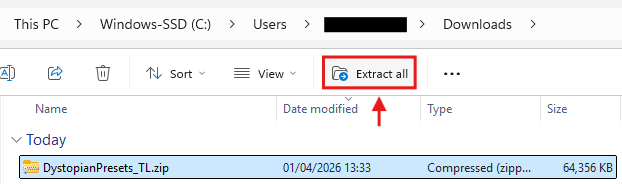
MacOS - Please note, the folder will extract once the download is complete
Installing the Dystopian World Expansion
Once you've extracted the .zip file, a new folder will be within your downloads folder. The new folder will be of the same name, but it will not be compressed/zipped.

Before installing: Ensure your Digital Audio Workstation (DAW) is closed before proceeding.
Now, place the preset folder in the following directory based on your operating system:
PC Install Location
- C:\Program Files\AIR Music Technology\VacuumPro\Presets
- C:\Program Files (x86)\AIR Music Technology\VacuumPro\Presets
MacOS Install Location
- Macintosh HD/Applications/AIR Music Technology/VacuumPro/Presets
Now that you've placed the expansion folder into the appropriate location, you will see the expansion folder in the Preset folder, within Vacuum Pro's preset browser.
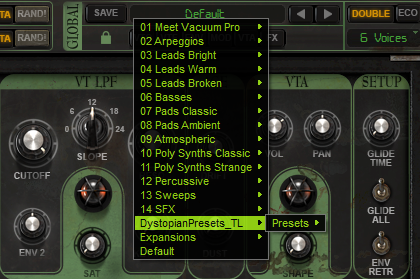
Following these steps will ensure a smooth integration of new presets, expanding your options of sounds within Vacuum Pro.
Was this article helpful?
That’s Great!
Thank you for your feedback
Sorry! We couldn't be helpful
Thank you for your feedback
Feedback sent
We appreciate your effort and will try to fix the article